remoteupload
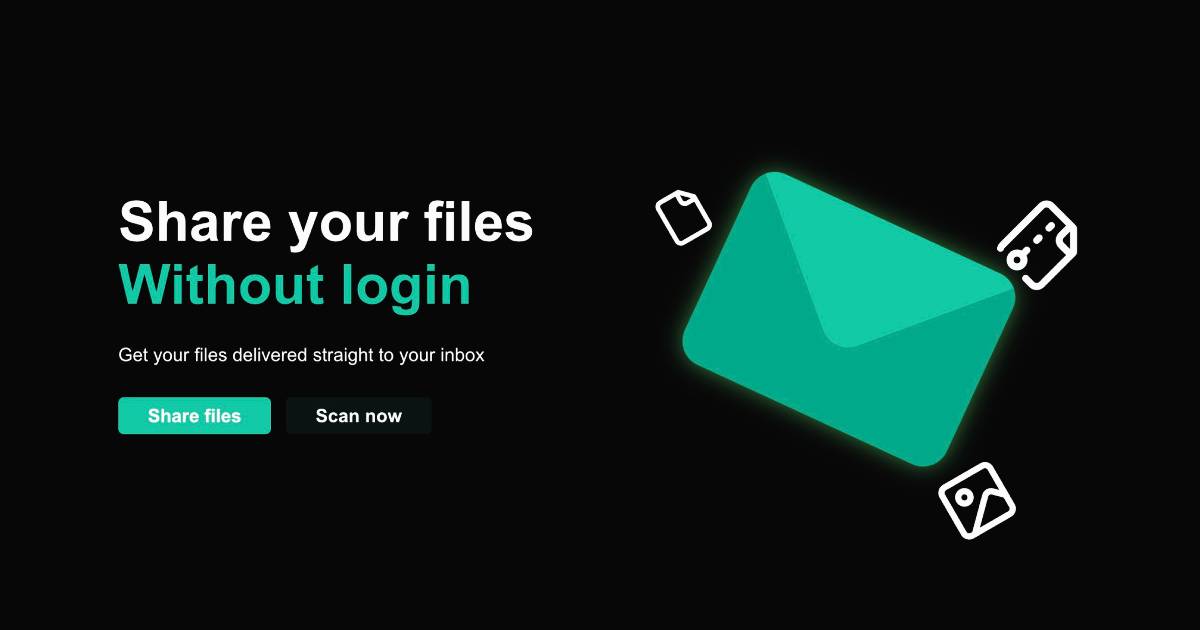
A secure file sharing platform that allows you to upload files from public computers and receive them directly in your inbox - no account required.
Overview
remoteupload solves a common problem: how do you safely transfer files from a public computer without logging into your personal accounts or using USB drives?
The Problem
Using public computers at libraries, internet cafes, or universities presents a dilemma:
- Logging into personal cloud storage is a security risk
- USB drives aren't always available
- Email attachments require account login
- Most file sharing services need authentication
The Solution
remoteupload provides a simple, secure workflow:
- Upload - Drag and drop your files on any public computer
- Email - Enter your email address (no account needed)
- Receive - Get a secure download link in your inbox
- Download - Access your files safely from your personal device
Key Features
Privacy First
- No account creation required
- Files are automatically deleted after 24 hours
- End-to-end encryption for file transfers
- No tracking or data collection
Simple UX
- Drag-and-drop interface
- Support for multiple file types
- Real-time upload progress
- Mobile-responsive design
Reliable Delivery
- Email delivery via Resend API
- Secure file storage with Uploadthing
- Automatic cleanup to prevent data retention
- Download link expiration for security
Technical Implementation
Built with a focus on security and simplicity:
- Next.js 14 - Full-stack framework with API routes
- Uploadthing - Secure file upload and storage
- Resend - Reliable email delivery service
- React - Interactive UI components
- Tailwind CSS - Responsive styling
Use Cases
Perfect for:
- Students working in computer labs
- Travelers using internet cafes
- Professionals at conferences
- Anyone needing quick file transfers without account setup
Security Measures
- Temporary Storage: Files deleted after 24 hours
- Secure Links: One-time download URLs with expiration
- No Personal Data: Zero user information stored
- HTTPS Only: Encrypted data transmission
- Rate Limiting: Prevents abuse and spam
Learnings
This project taught me:
- Security-first design - Building with privacy as a core feature
- Serverless architecture - Leveraging edge functions for scalability
- Email deliverability - Ensuring reliable inbox delivery
- User trust - Creating confidence in a no-account system
Future Enhancements
Potential improvements:
- QR code generation for easy mobile access
- Password-protected uploads
- Custom expiration times
- File compression options
Try it at remoteupload.vercel.app